As the founder of Nellene – Interior and Surface Design Studio, my work spans interiors, textiles, custom manufacturing, and licensing. Choosing the right software isn’t just about creativity, it’s about production realities, scalability, and meeting the technical demands of printers and manufacturers. Over the years, my workflow has evolved from slow, painstaking Photoshop repeats to a hybrid analogue–digital process that feels both organic and industry‑ready.
This post shares the tools I use, why I use them, and how each one supports a professional surface pattern design practice, especially within my Custom Textile & Wallpaper Design Services.
My Analogue-to-Digital Workflow
Watercolour First: Where Creativity Begins
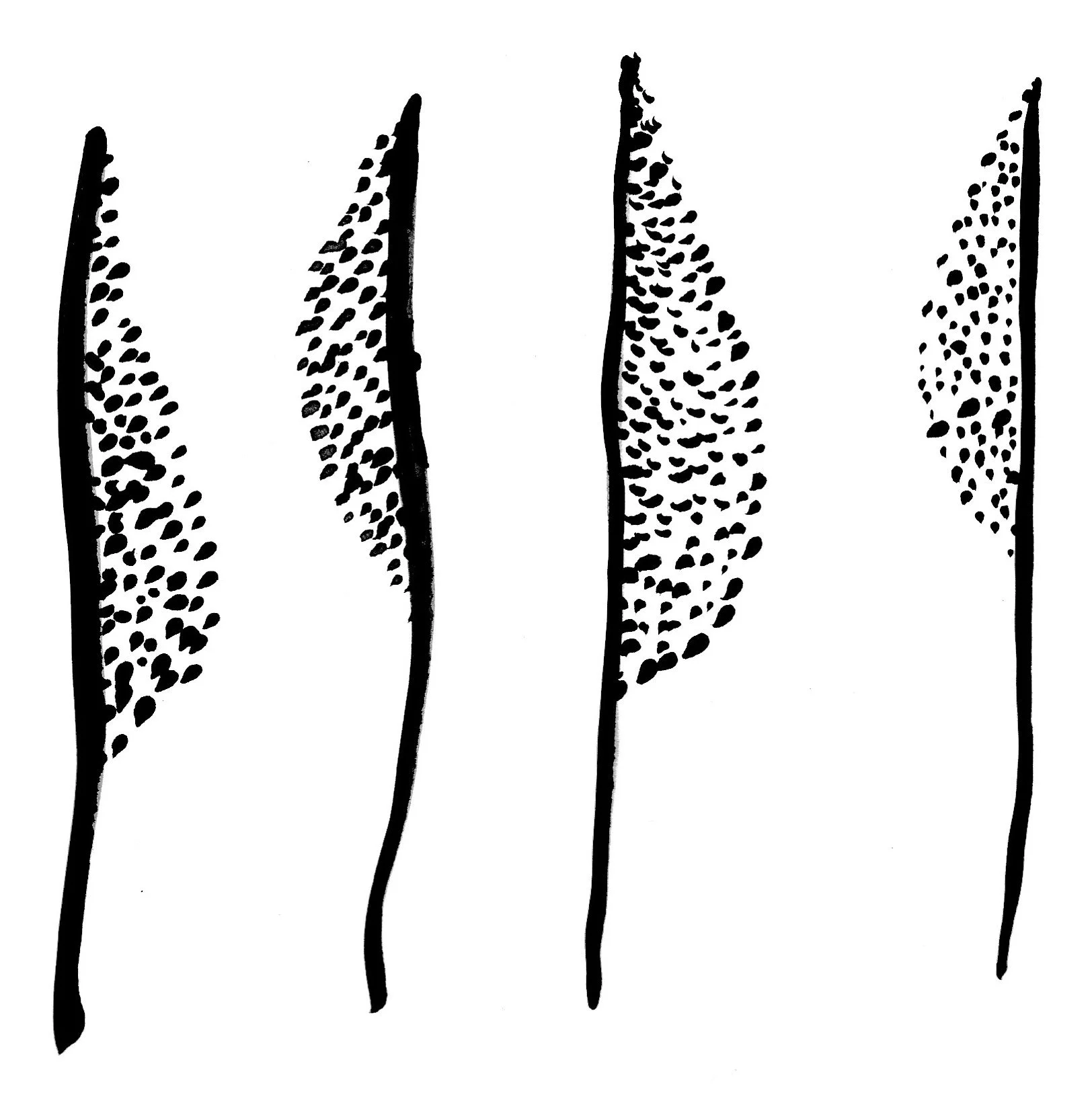
Hand painted abstract leaf structures, the building blocks for the Botanical Wave pattern
My most playful, intuitive work always begins with analogue materials. Watercolour, ink, pen, and dark paints allow ideas to flow naturally. The textures, the unpredictability, the movement of my hand — these elements simply can’t be replicated digitally. Analogue painting is where my patterns find their soul.
Once the artwork is dry, I scan each piece at 600 dpi or higher, especially if the illustrations are painterly or destined for large-scale applications like wallpaper, murals, or custom textile work. High-resolution scans give me the freedom to refine, clean, and build patterns without losing the tactile richness of the original artwork.
Adobe Photoshop: For Painterly Patterns
Photoshop is my go-to when working with digitized watercolour paintings. Before the Pattern tool existed, building repeats was slow and meticulous: cleaning edges, checking seams, and manually testing tiles. The Pattern tool changed everything. It allows me to:
Visualize balance and harmony instantly
Catch repeat errors early
Work more confidently with complex painterly motifs
Photoshop remains essential when the artwork needs to stay pixel-based and expressive, especially for custom wallpaper and textile designs.
Adobe Illustrator: For Scalability and Precision
Illustrator is the backbone of my professional workflow at Nellene – Interior and Surface Design Studio. Once I learned it deeply, it became the tool I rely on most.
Why Illustrator matters:
Vectors scale infinitely without pixelation— perfect for wallpaper, murals, signage, and large-format interiors
I can vectorize hand-painted marks while keeping them earthy and organic
It’s ideal for clean repeats, colour separations, and technical file preparation
Manufacturers often prefer or require Illustrator files
Even though Illustrator is digital and precise, I’ve learned to coax natural textures out of vectorization settings, so my work still feels hand-made.
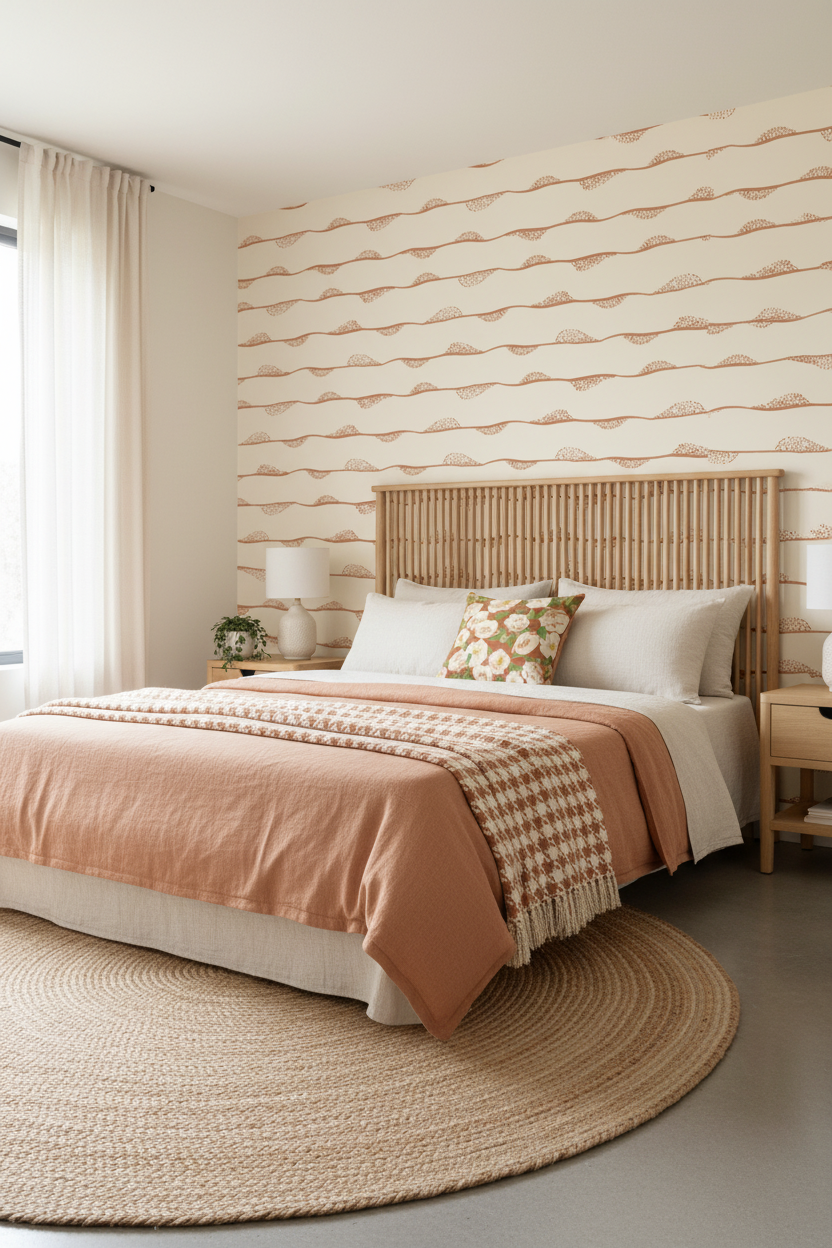
Procreate: For Fast Concepting and Template-Based Patterns
Procreate is a beautiful tool — but I use it selectively.
I turn to Procreate when:
A pattern template is easier to build on the iPad
I want to sketch quickly or explore layout ideas
I’m working on motifs that don’t need extreme scalability
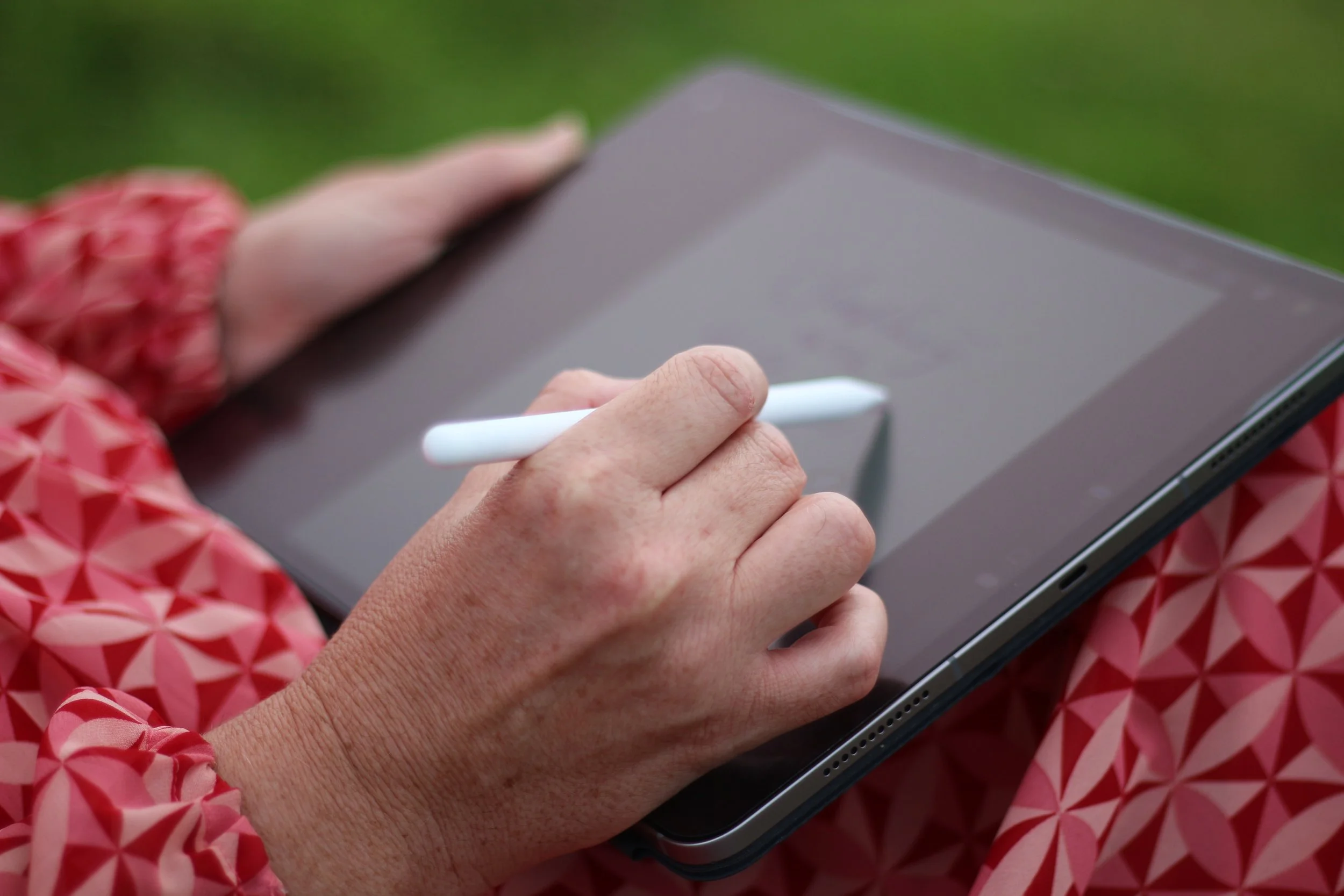
Designing on Procreate App using an Apple Pencil
But Procreate has limitations:
It’s pixel-based
You must start with a large canvas
Layer management is critical
Flattening layers too early can cause problems
Exporting requires careful planning
If I know a pattern needs to scale dramatically — especially for Custom Textile & Wallpaper Design Services — I avoid Procreate and move straight to Illustrator or Photoshop.
Industry Requirements: Why Software Choice Matters
Every Printer Is Different
One of the biggest lessons in professional surface pattern design is this: printers and manufacturers all require different file types, colour modes, and DPI settings.
Some examples from my own experience:
Print-on-demand platforms like Spoonflower and Redbubble: JPEG or PNG
Fabric printers: often high-quality PDFs with specific export settings
Custom manufacturers: highly technical formats, often TIFF, indexed colour, or layered PSD/AI files
Asking for specifications upfront prevents costly mistakes and production delays.
Case Study: Designing for an American Blanket Manufacturer
A recent project required me to adapt my vector designs for a loom-based weaving process. Their requirements were extremely specific:
TIF format
Indexed colour
80 dpi
Exact pixel dimensions
Maximum of three solid colours
No gradients, transparency, shadows, or anti-aliasing
Perfectly seamless repeat tile
This meant reworking Illustrator vectors in Photoshop, cleaning stray pixels, turning off anti-aliasing, and preparing both a full blanket layout and a single repeat tile. Without Photoshop and Illustrator working together, meeting these technical demands would have been impossible.
Tools That Support the Business Side
PatternPAL Pro
I pay monthly for PatternPAL Pro, a web-based app that speeds up the marketing and presentation side of my business. It allows me to:
Scale patterns into eight sizes
Export mockups for social media, portfolios, and client presentations
Generate platform-specific exports for Instagram, Facebook, and Pinterest
This tool saves hours and keeps my workflow consistent across marketing channels for both interior design clients and textile manufacturers.
Advice for New Surface Pattern Designers
Start With What’s Essential
If you want to work professionally, especially with manufacturers or interior designers, you’ll eventually need:
Adobe Illustrator
Adobe Photoshop
These two programs are industry standards. They handle scalability, colour management, repeat building, and technical file preparation in ways other tools simply can’t.
Use Procreate as a Supplement
Procreate is wonderful for sketching, concepting, and certain pattern styles — but it’s not enough on its own if you want to work at scale or deliver production-ready files.
Don’t Believe You Need Every Tool
Many beginners think they need dozens of apps. You don’t. A strong workflow can be built with:
Analogue materials (Paper, paint, ink, brushes, pens and markers)
Photoshop
Illustrator
A scanner
A lightbox
Optional: Procreate
Optional: PatternPAL Pro for scaling and marketing
Choose Software Based on Your Goals
Interiors & wallpaper: Illustrator is non-negotiable
Fashion & licensing: Photoshop + Illustrator
Print-on-demand: Photoshop or Procreate can be enough
Manufacturing: Illustrator + Photoshop, plus strict file prep skills
Learn the Production Side Early
Understanding DPI, colour modes, file formats, and printer requirements will save you from expensive mistakes and elevate your professionalism immediately.
Final Thoughts
Surface pattern design is a beautiful blend of art and technical precision. At Nellene – Interior and Surface Design Studio, my workflow continues to evolve, but the combination of analogue painting, Photoshop, Illustrator, and selective use of Procreate has given me both creative freedom and industry reliability.
With the right tools, and the right knowledge, you can create patterns that feel alive, scale beautifully, and meet the demands of any manufacturer or client.